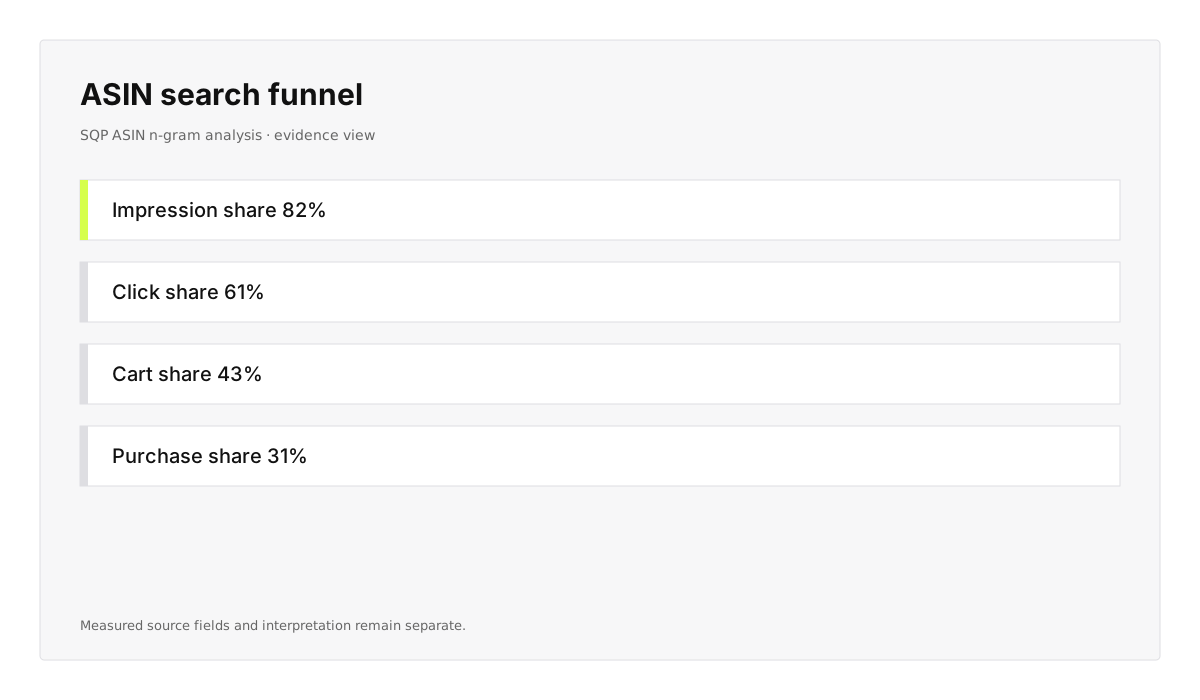
Where does the ASIN lose share?
Separate visibility, click, cart, and purchase gaps before anyone reaches for a listing or bid change.
See the SQP workflowSolutions · Amazon keyword research
Read Search Query Performance, catalog context, and the report grain Amazon returned through the Selling Partner MCP, then run the SQP ASIN n-gram Skill from the AI client your team already uses.
Updated
Search Query Performance · four evidence stages, query and ASIN evidence kept together
What comes back
The Skill keeps Amazon's observed query, ASIN, funnel share, and comparison fields attached while it turns the result into a ranked investigation. You see the measured gap, the interpretation, and the team that owns the next move.
Separate visibility, click, cart, and purchase gaps before anyone reaches for a listing or bid change.
See the SQP workflow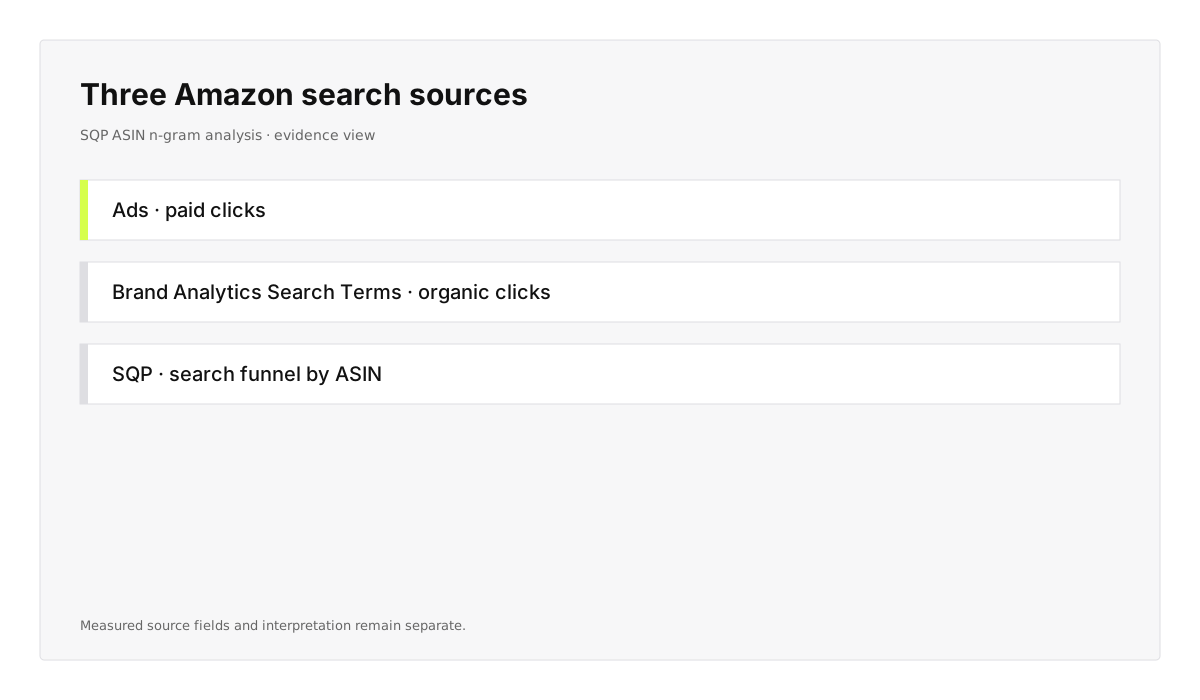
Keep Ads search terms, Brand Analytics Search Terms, and SQP separate so paid attribution never gets inferred from search-funnel evidence.
Read the report distinction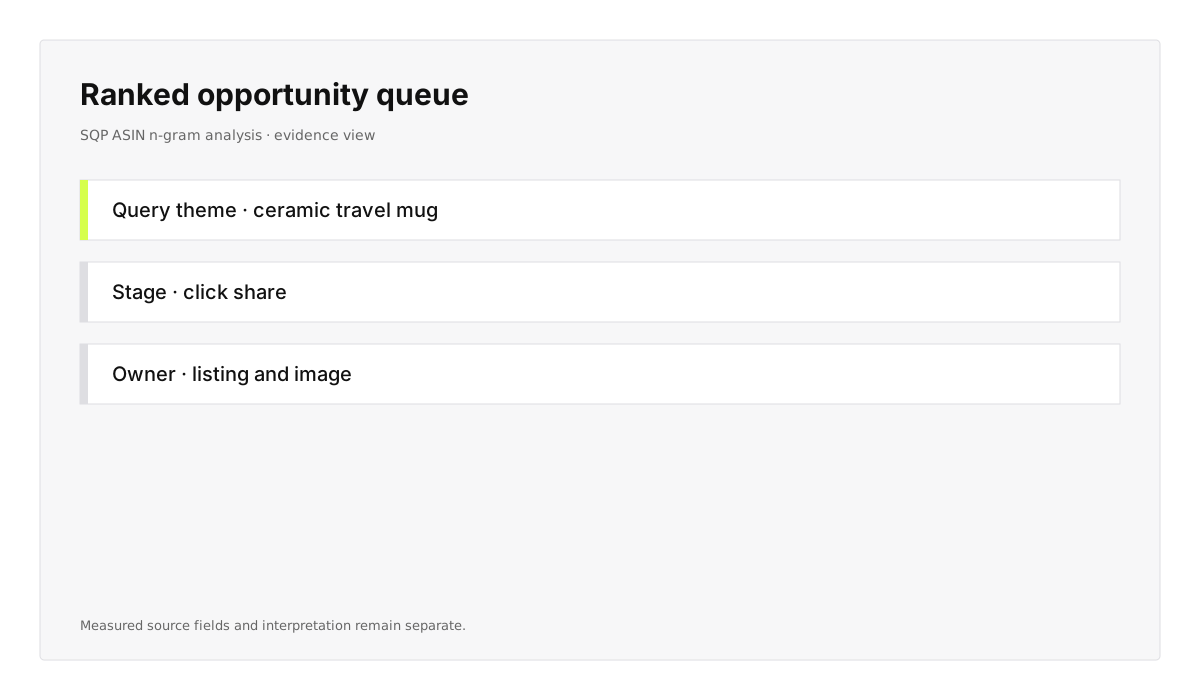
Rank query and n-gram opportunities by the evidence behind the gap, not by an estimated volume number alone.
Open the search analyzer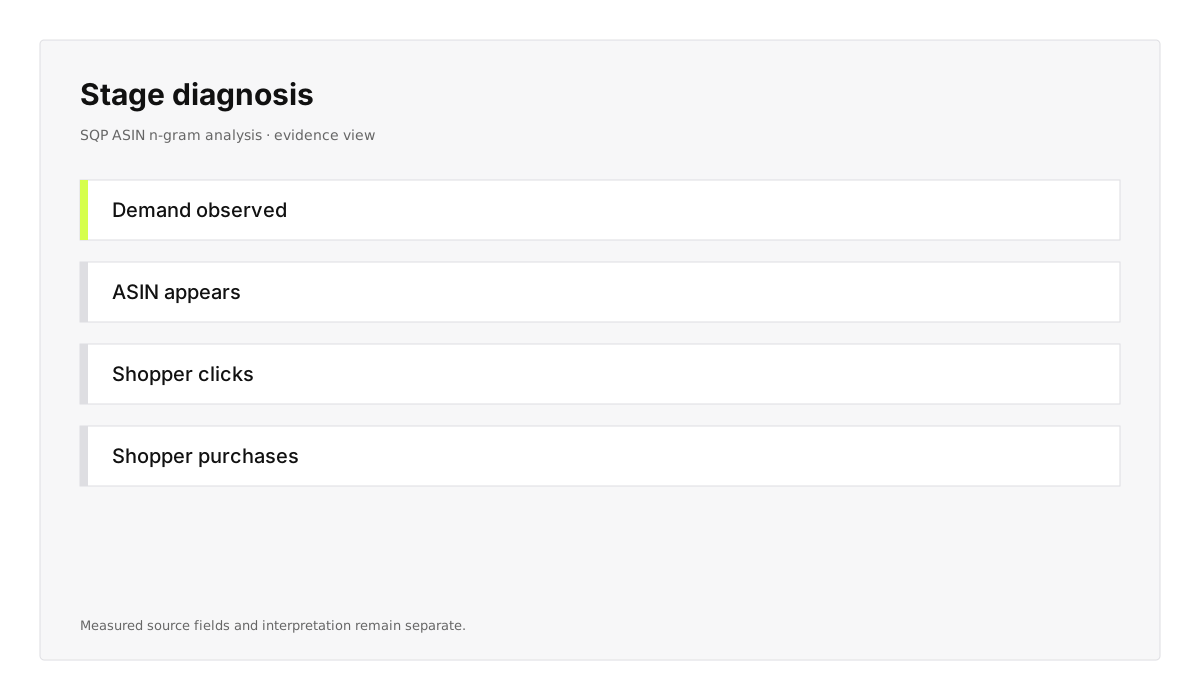
Label the observed stage and keep the human interpretation beside it. The report shows what Amazon measured; your operator chooses the fix.
Review the guardrails
Each decision keeps the query, ASIN, marketplace, reporting window, and comparison scope attached for the follow-up question.
See the source contract
Thin evidence stays flagged. SQP does not become ACoS or ROAS by attaching an ad estimate, and paid actions route to the Ads workflow.
Read the data-mode guideThe same phrase can arrive from paid advertising or organic Brand Analytics. Keep the upstream report, access boundary, and interpretation attached before a Skill recommends an action.
| Source report | What it measures | Access boundary |
|---|---|---|
| Amazon Ads Search term report | Paid searches that produced an ad click, with targeting and performance outcomes. | Sponsored Products or Sponsored Brands campaign access; Brand Registry is not required. |
| Brand Analytics Search Terms | Most-clicked ASINs by organic search keyword and department. | Brand Analytics Selling Partner API role and Brand Registry access. |
| Search Query Performance | Search-funnel impressions, clicks, cart adds, and purchases for a query and ASIN, including share by stage. | Brand Analytics Selling Partner API role and Brand Registry access; no ad spend or attributed ad-sales fields. |
The published report guide covers the naming collision and the SQP Analyzer docs cover the ASIN-level decision path.
The decision artifact
The flagship Skill's output keeps measured Amazon fields and operator interpretation visibly separate. That is how a keyword question becomes a defensible listing, imagery, offer, or Ads handoff.
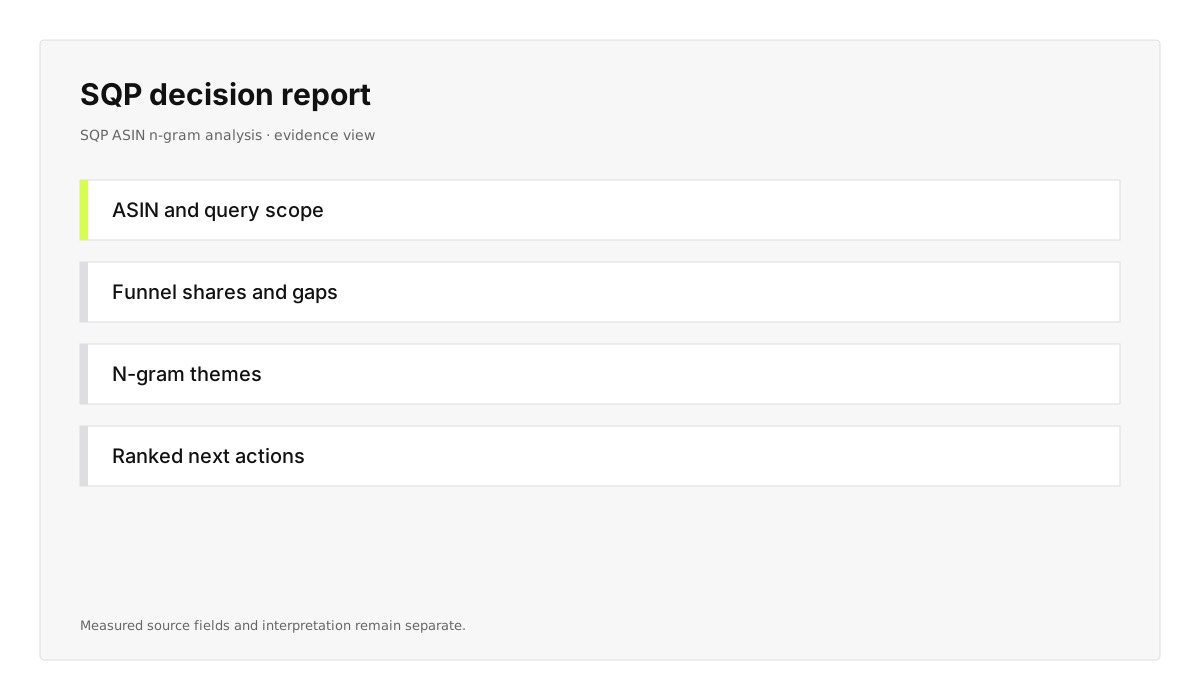
Query and ASIN evidence stay together from the Selling Partner MCP read through the ranked report, so the result remains tied to the Amazon source.
See the Selling Partner MCP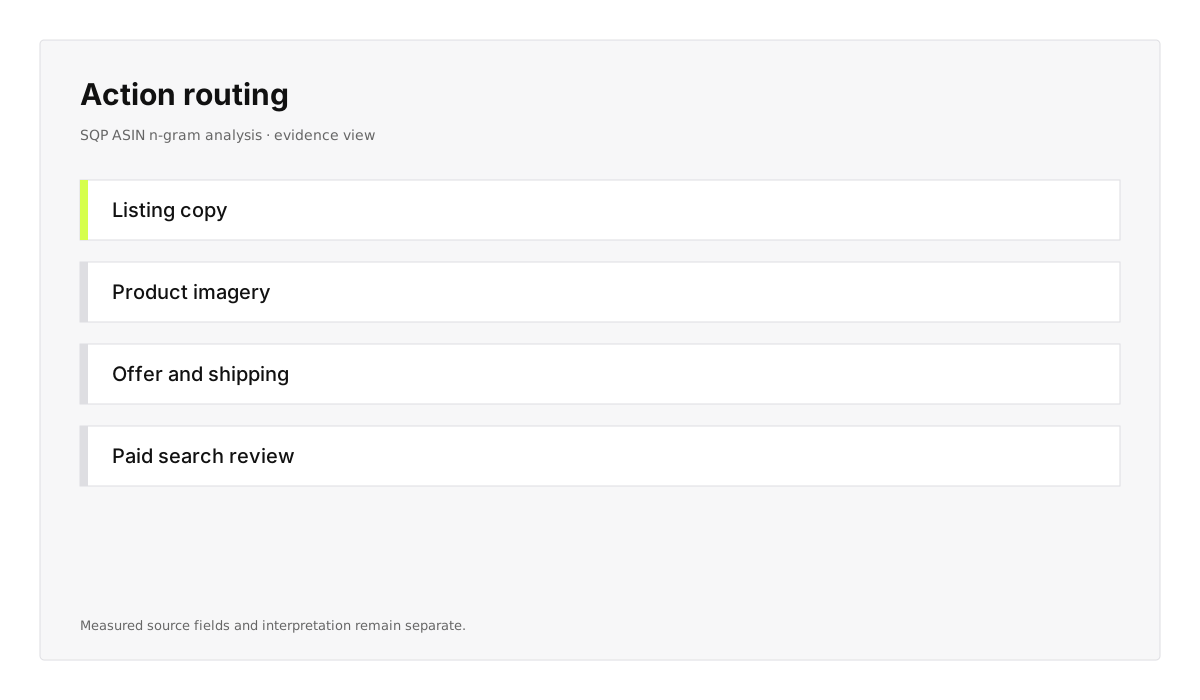
Listing, imagery, offer, shipping, and paid-search work stay separate. The Skill ranks the evidence; your team decides what changes.
Read the listing workflowWhere it runs
The Selling Partner MCP connection and SQP Skill stay consistent across chat, agent, workflow, research, and IDE clients.

Ask which ASINs lose share for a query and inspect the evidence without leaving the conversation.

Run the same SQP diagnosis through your scoped Selling Partner connection from Claude.

Schedule recurring query and n-gram reviews while every public change remains a human decision.

Route ranked SQP findings into the listing, imagery, or paid-search process your team already runs.

Keep customer-specific query rules and report handling beside the repository that governs them.

Answer source-specific keyword questions from connected Amazon evidence instead of public-web estimates.
Frequently asked questions
Which Amazon report answers the question, how access works, and what a source-grounded Skill can and cannot claim.
Guides
Start with the three Amazon search reports, keep each source and its attribution boundary visible, then route a diagnosed gap into a controlled listing workflow.
Amazon Search Query Performance reports impressions, clicks, cart adds and purchases per query and ASIN. How it differs from the two search terms reports.

Use the Amazon ACoS formula only with ad spend and attributed ad sales. Route Search Query Performance data to metrics its fields can actually calculate.
Use an Amazon listing audit checklist on live data: read attributes, check Amazon's rules, preview the patch, and submit only after confirmation.
The bottom line
Connect the source your account actually owns, run the Skill against the query and ASIN scope, and give your operator a ranked decision with the data and caveats attached.