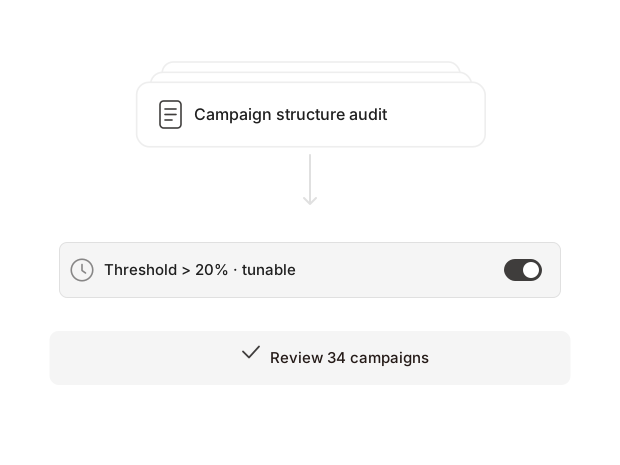
Can we change the thresholds?
Yes. Every threshold is printed beside the value it measured, so your team can move the rule and compare the next run cleanly.
Review the audit thresholdsSolutions · paid ads
Amazon PPC management that starts from the facts: where the spend pooled, what stopped serving, what’s worth consolidating, live from your account through the Amazon Ads MCP, in the tools your team already uses.
Updated
Daily ad spend · $86,465 across 214 campaigns · Aug 1–14, 2026
How the work changes
You set how much it owns. It watches bids, budgets, search terms, negatives and spend posture around the clock, catches the waste while it's still small, and funds the winners while they're still winning. Only the moves big enough to need a human come up for approval.
Yes. Every threshold is printed beside the value it measured, so your team can move the rule and compare the next run cleanly.
Review the audit thresholds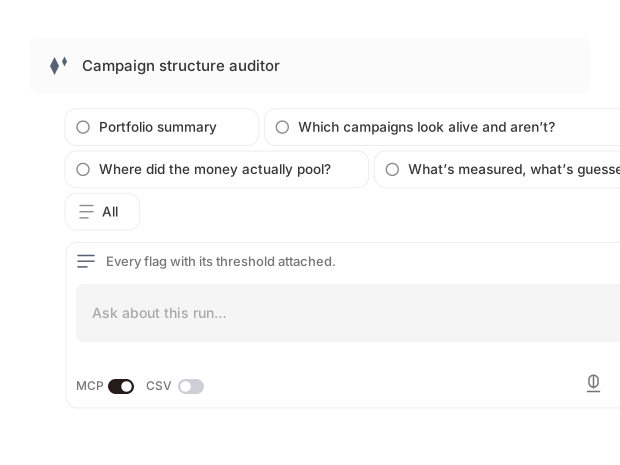
Start with the recurring review questions, then follow the evidence into a campaign, field, or threshold without staging another export.
Explore search-term analysis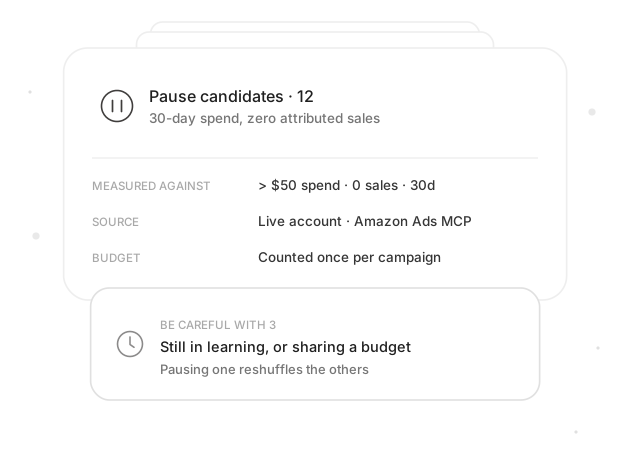
The measured window, source, threshold, and caveat travel with each recommendation, ready for the first follow-up question.
Build a validated Ads report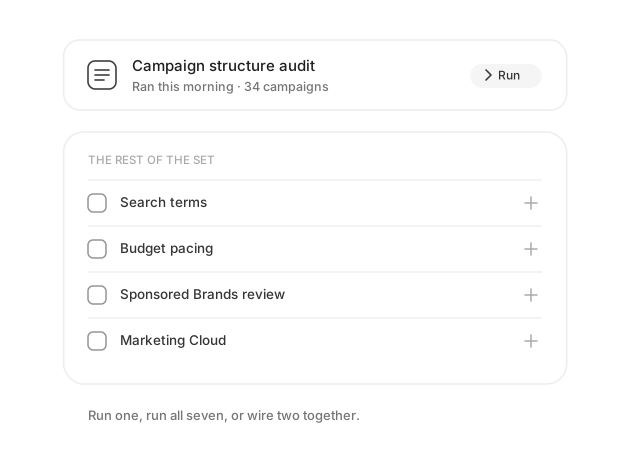
No. Run the audit by itself, add one adjacent playbook, or connect the full set around the way your paid ads team works.
Browse Amazon Ads skills
Inside the MCP-compatible client your lead already uses. The account connection and playbook stay the same when the client changes.
Compare supported clients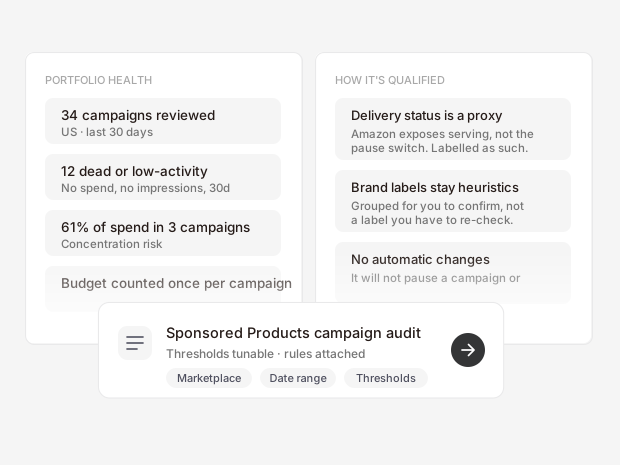
Anything the report cannot support. Proxies and naming heuristics stay labelled, so a useful clue never masquerades as a fact.
Review the audit guardrailsMake it yours
You define the reports, metrics, colors, layouts, and themes. Package a polished client deliverable, build an analysis worksheet, or create the dashboard your review actually needs.
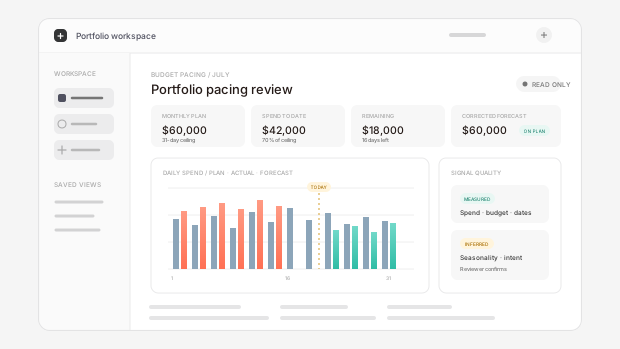
Choose the fields, charts, labels, colors, and layout. Keep the pacing view compact for a standup or expand it into the working dashboard your team uses every day.
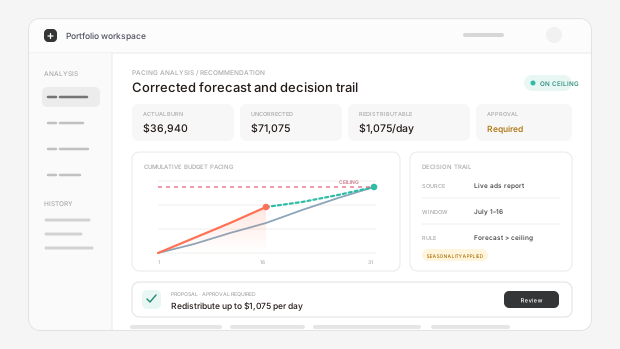
Turn the same source data into a client-ready report, an analysis worksheet, or an approval view. You decide what gets emphasized, explained, and handed off.
Where it runs
The Amazon Ads MCP connection and audit playbook stay consistent across chat, agent, workflow, and IDE clients.

Ask where spend pooled or which campaigns stopped serving, then inspect the audit without leaving the conversation.

Run the same account audit from Claude through your scoped Amazon Ads MCP connection.

Hand off a recurring portfolio review while keeping recommendations behind your approval gates.

Schedule the read-only audit and route its finished report into the review process your team already runs.

Inspect the live findings beside the repository where your team maintains reporting and automation logic.

Answer account questions from your own campaign data rather than relying on public-web context.
Frequently asked questions
Marketplace coverage, account scale, what the audit changes, and how it fits an in-house or agency workflow.
Guides
The rules are written down and argued for: when a bid can move, why an ACoS question gets refused on the wrong report, and where a structure read sends you upstream.
A bid should move only when sufficiency, an ACoS deadband, and a daily clamp all agree. The bounded rulebook an agent runs, with the thresholds.

Calculate Amazon ACoS from ad spend and attributed ad sales, then block the formula when a report, like Search Query Performance, lacks ad data.
Measure Sponsored Ads and DSP overlap in Amazon Marketing Cloud with aligned exposure groups, attribution timing, and campaign scope for a defensible read.
The bottom line
Not because anyone's careless. Nobody has time to read two hundred campaigns, so they read the five that carry the spend and move on. This reads all of them, read-only against your live account, and twenty minutes later your lead has the list with the math attached.